Bible NIV - Audio Bible App
- 4.5
- Rating
- 100.00K
- Installs
- Free
- Price

 Analysis by App-foxy
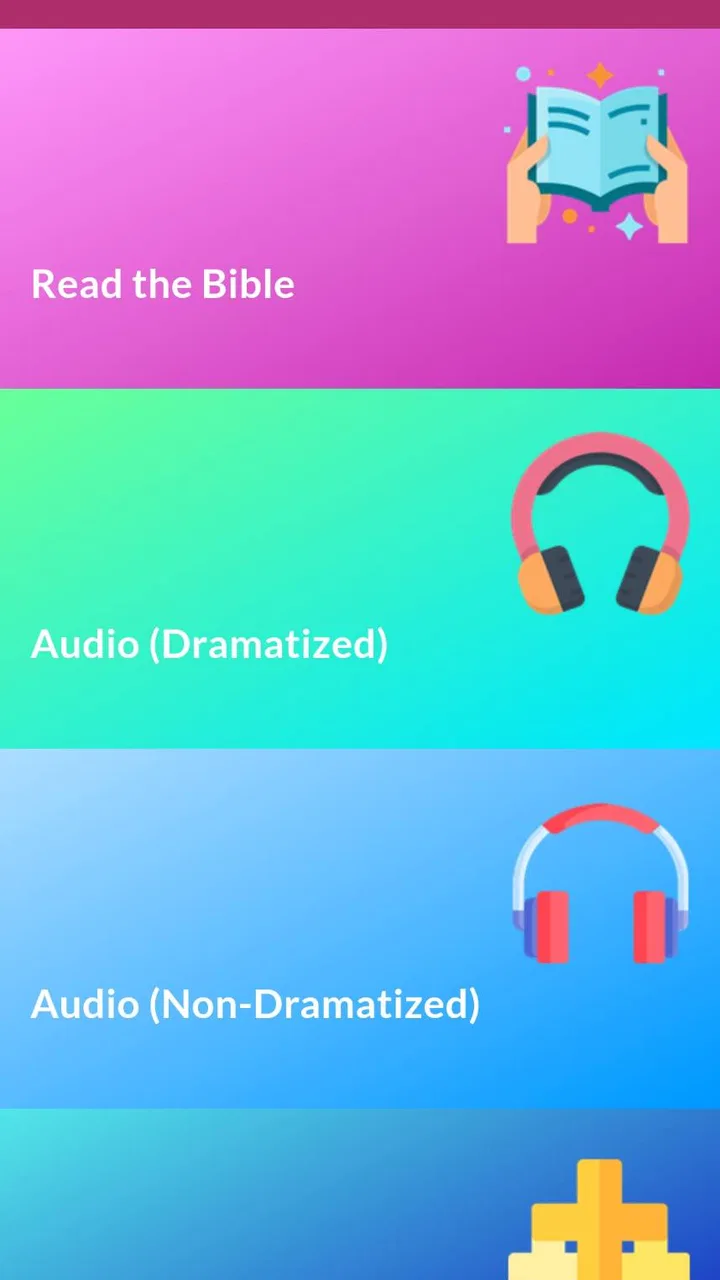
Listening to the Bible sounds simple until a reading stops at the wrong moment, a passage takes longer to load than expected, or you are unsure whether you are reading the exact translation you wanted. Bible NIV - Audio Bible App is aimed at that very practical use: it brings the NIV Bible into a single mobile reading and listening experience, with both dramatized and non-dramatized audio. I found it most useful when I wanted to move between quiet reading and hands-free listening without changing apps.
This is a free Books & Reference app from Audio Bible App, suitable for Everyone and available on devices running Android 7.0 or later. It has reached over one hundred thousand installs and holds a 4.6 average from around five thousand ratings, which suggests that many people find the basic experience dependable. That does not mean every session will be frictionless, though. Audio apps are sensitive to network conditions, device settings, storage, and interruptions, so knowing how to diagnose a problem matters almost as much as knowing where to tap.
Getting from installation to a dependable listening routine
I start with a brief test passage rather than building a routine around an untested session: it helps me check the sound route, connection, and whether playback suits the moment. Once that feels dependable, I can decide which audio style fits a commute, quiet reading, or chores, and the next section looks at the snags that can still interrupt listening.
You May Also Like

 Blood Strike: 2.5 Anniversary
Blood Strike’s Loadouts Turn Every Drop Into a Tactical Gamble
A close look at Blood Strike’s custom loadouts: how fast access to signature weapons reshapes its battle royale rhythm, rewards preparation, and narrows the gap between fights.

 Pandora - Music & Podcasts
Pandora’s Music Is Easy to Start, but Harder to Recover
Pandora’s strength is its low-effort path from a seed to a station. Its weak spot is how much confidence it asks you to place in connection, setup, and quiet recovery.

 8 Ball Pool
 Is Built on Rivalries, Rematches, and Routine
A close look at the rivalries, rematches, shared routines, and unanswered safety questions that turn a quick pool match into a persistent mobile community.

 Samsung Music
’s Quiet Strength Is Playing What You Already Own
Its reach comes less from spectacle than from dependable access to a personal library. That simplicity is both the app’s strongest retention engine and its ceiling.

 AccuWeather: Weather Radar
AccuWeather Review: A Quick, Clear Forecast for Everyday Decisions
For everyday plans, the best forecast is the one you can understand quickly. AccuWeather makes rain timing, radar, and local conditions easy to act on, with a few trade-offs.

 Hill Climb Racing
Why Hill Climb Racing Still Turns Crashes Into One More Run
A tiny car, a bumpy hill and one more upgrade: Hill Climb Racing keeps resurfacing because its simple chaos makes every near-miss feel personal.
More From Our News Desk



Where people usually get stuck
The first point of confusion is often the difference between reading and listening. Someone opening the app for a quick verse may expect the audio controls to behave like a music player, while another person may begin with the audio section and wonder why the text is not moving in the way they expect. I recommend deciding what you want to do before starting: read a selected passage, listen to a chapter, or use the app as a daily companion while doing another task.
The two audio styles also deserve a moment of attention. The dramatized option is designed to feel more like an acted presentation, while the non-dramatized option keeps the delivery more straightforward. I would not call one universally better. For a commute or household chores, the more expressive version can make it easier to stay engaged. For close study, comparison, or following along with the printed text, a less theatrical presentation may be less distracting.
Another common stumbling block is assuming that a free download means every part of the experience is entirely without charge. The app itself is free, but it includes optional purchases ranging from forty-nine cents to nine dollars and ninety-nine cents per item. I would treat any purchase prompt as something to read carefully rather than tapping through automatically. If you only want to explore the core reading and listening experience, take time to understand what is available before committing to anything.
There is also a translation issue that is easy to overlook. NIV is not simply a generic label for any Bible app; it identifies the translation used here. That is useful if you already read the NIV and want consistency between your phone and a physical Bible. It is less suitable if your church, study group, or personal routine requires a different translation. In that situation, the app may still be interesting for listening, but it should not replace the version you need for direct study.
Setup checks that prevent avoidable interruptions
After installing the app, I would begin with a short test rather than immediately starting a long listening session. Open a familiar passage, start a small amount of audio, and confirm that the sound is coming through the intended output. This catches simple problems such as muted media volume, an active Bluetooth connection, or the phone sending sound to earbuds that are no longer nearby.
It is worth checking the phone’s media volume separately from the ringtone volume. A device can appear loud while media playback remains quiet. If you use wireless headphones in the morning, check whether they are connected before pressing play. If the app seems silent but other audio is also silent, the problem is probably at the device or accessory level rather than inside the Bible app.
Network conditions are another sensible first check. Audio playback can be more demanding than opening a short text passage, especially when the connection is weak or changing between Wi-Fi and mobile data. If a chapter pauses, give the connection a moment, then try again from a stable location. Avoid repeatedly tapping play and pause, because that can make it harder to tell whether the original request is still processing.
For a smoother routine, I suggest testing the app at home before relying on it during travel. Start the passage you plan to hear, confirm that it plays properly, and note whether your phone changes behavior when the screen locks. This is a practical habit rather than a special feature: it gives you a chance to discover device-specific interruptions while you still have time to adjust your setup.
Battery-saving settings can also affect any app that needs to continue activity while you are not actively looking at the screen. If playback stops when the display turns off, compare what happens with the screen awake and locked. That simple comparison helps separate an app issue from a phone setting that limits background activity. I would avoid changing several system settings at once; make one adjustment, test again, and keep the change only if it helps.
A workflow for recovering when playback fails
When a passage refuses to start, I use a short recovery sequence. First, I check the media volume and audio output. Next, I stop and restart the selected reading once. If that does not help, I leave the passage and open it again rather than repeatedly pressing the same control. This resets the immediate listening attempt without turning a small problem into a long troubleshooting session.
If the issue affects only one chapter, try another passage. That comparison is useful because it tells you whether the problem is tied to a particular selection or to playback more generally. If every passage behaves the same way, look at the connection and the device audio route. If one passage is affected while others work, reopening the app and selecting the chapter again is a more sensible first move than changing phone-wide settings.
When the app closes unexpectedly or becomes unresponsive, the usual safe steps are to close it, reopen it, and restart the phone if the behavior continues. Make sure the app is running its current version, which is 11.0.6, and that the device meets the Android requirement of version 7.0 or newer. Updating is especially reasonable when the problem began after a system change or appears every time you use the same action.
I would be cautious about clearing app storage as an early fix. That can remove local preferences or saved state, depending on how the app handles information on the device. Restarting the app is much less disruptive. If you eventually need to clear temporary cache through Android settings, read the confirmation screen carefully and distinguish temporary files from stored app data.
There is a useful distinction between failure to load and failure to hear. If text opens but audio does not, focus on volume, output, connection, and playback. If neither text nor audio opens correctly, focus on the app state, network access, and the phone’s available storage. Keeping those cases separate saves time and prevents unnecessary changes.
When the app is not the cause
Not every interruption comes from the application. A phone with very little free storage may behave unpredictably, especially when several apps are competing for space and memory. A crowded notification panel, an aggressive battery mode, or another audio application taking control can also create symptoms that look like a Bible app failure.
Headphones deserve particular attention. Test the phone speaker once, even if you normally use earbuds. If the speaker works but the headphones do not, inspect the accessory, Bluetooth connection, or adapter. If neither works in this app but other audio apps play normally, then the app deserves closer attention. If several apps are affected, the common device or accessory is the stronger suspect.
Notifications and calls can interrupt listening in perfectly normal ways. A reading that pauses during a call is not necessarily broken, and a temporary loss of sound after switching between apps can be caused by the phone reclaiming audio focus. I find it helpful to perform a short test with notifications minimized, then repeat it under normal conditions. That reveals whether the interruption is predictable and whether it matters for your intended routine.
Connection changes can be deceptive as well. A phone may show a Wi-Fi symbol while the connection itself is slow or unstable. Moving closer to the router, briefly testing another reliable connection, or waiting until the signal is steadier can clarify the situation. I would not assume that reinstalling the app will repair a weak network; it usually adds work without addressing the real cause.
How it compares with the usual alternatives
Compared with carrying a printed NIV Bible, this app is more flexible for listening and easier to take along when you want both text and audio in one place. A paper Bible still has advantages for marking pages, spreading several passages open, and avoiding battery or connection concerns. I would choose the app for mobility and spoken access, but I would not treat it as a complete replacement for every kind of study.
Compared with a general e-book reader, the dedicated Bible focus is more convenient when you want to move directly into Scripture rather than manage a broader library. The audio choices are also central to the experience instead of being an afterthought. On the other hand, a general reader may be better for people who want extensive annotation, many book formats, or a large collection beyond the Bible.
Compared with a broader Bible platform, this app may appeal to someone who wants a simpler NIV-centered reading and listening routine. A larger platform can be the better choice for users who need multiple translations, extensive study notes, original-language tools, cross-references, or a strong community layer. The trade-off is focus: Bible NIV - Audio Bible App is easier to understand when your main need is this translation with two listening styles, not a full study library.
Everyday situations where it makes sense
Imagine preparing breakfast before work. You choose a chapter, select the audio style that suits your attention level, place the phone somewhere safe, and listen without holding a book. If a call interrupts the session, you can return to the passage afterward. This is where the app feels genuinely practical: it turns a short routine into listening time without requiring a desk or a quiet reading posture.
It can also work well for someone whose eyes are tired at night. Reading remains available when you want it, but audio gives you another way to engage with the same translation. I would keep the first session short and make sure the device will not route sound unexpectedly before settling into a longer routine.
For group preparation, I would use it as a quick way to revisit a passage in the NIV, then compare the wording with whatever materials the group uses. The app is convenient for refreshing your memory while walking or traveling, but it is not the ideal sole reference when a discussion depends on several translations or detailed commentary.
Who should choose it, and who should skip it?
I think this app is a good fit for readers who already want the NIV, value spoken playback, and prefer a focused mobile tool over a large study suite. It is especially useful if you alternate between reading and listening, or if your available time comes in small pieces during the day. The Everyone rating also makes it approachable for a broad audience.
I would look elsewhere if your priority is a different translation, advanced scholarly study, extensive note-taking, or a completely offline-first workflow that does not depend on the app’s particular playback behavior. Someone who dislikes expressive narration may also prefer the non-dramatized option or a different audio source altogether. The choice should depend on how central those requirements are, not simply on the app being free.
The developer, Audio Bible App., has kept the central idea clear: read or listen to the NIV, with dramatized and non-dramatized presentations available. That focus is a strength, but it also defines the limits. You are choosing a specialized listening and reading companion rather than an all-purpose digital library.
My practical verdict after using it
My overall impression is positive, with one important qualification: the app works best when you treat setup as part of the experience. Check the audio route, test a short passage, confirm your connection, and learn which narration style fits your situation. Those small habits make the difference between a dependable daily tool and an app you abandon after one interrupted session.
The strongest reason to try it is the combination of NIV reading and two distinct audio approaches in a free app. The main friction comes from the ordinary realities of mobile audio: headphones, background limits, network changes, interruptions, and uncertainty around optional purchases. None of those issues makes it a poor choice, but they are worth planning for.
With a 4.6 average and more than one hundred thousand installs, it has clearly found an audience, while the current version gives Android users a straightforward starting point. I would recommend Bible NIV - Audio Bible App to anyone who wants a focused NIV listening routine and does not need a large study ecosystem. If you need multiple translations, deep reference tools, or a guaranteed paper-like experience, another option will serve you better. For everyday reading and listening, though, it is a sensible companion when configured with realistic expectations.
FAQs for Bible NIV - Audio Bible App
01What features does the Bible NIV - Audio Bible App offer?
The Bible NIV - Audio Bible App provides a comprehensive set of features including text and audio versions of the New International Version Bible. Users can listen to high-quality audio narrations, bookmark favorite verses, and access daily devotionals. The app also supports offline reading, making it accessible without an internet connection.
02Is the Bible NIV - Audio Bible App free to use?
The app offers a free version that includes basic features such as reading and listening to the Bible. However, there may be in-app purchases for additional features like ad-free experiences, premium audio tracks, or exclusive devotional content. It's recommended to check the app store for specific pricing details.
03Can I use the Bible NIV - Audio Bible App offline?
Yes, the Bible NIV - Audio Bible App supports offline usage. Users can download specific books or chapters for offline reading and listening. This feature is particularly useful for those who wish to access the Bible without internet access, whether for travel or personal study.
04How user-friendly is the Bible NIV - Audio Bible App for beginners?
The app is designed with a user-friendly interface that is easy to navigate, making it suitable for beginners. It includes a search function, adjustable font sizes, and a simple layout. Tutorials and help sections are also available to assist new users in getting acquainted with its features quickly.
05Does the Bible NIV - Audio Bible App include additional study tools?
Yes, the app includes a variety of study tools such as verse highlighting, note-taking, and cross-references. These tools are designed to enhance the study experience, allowing users to delve deeper into scripture. The app may also feature daily devotionals and reading plans to guide personal study.
Pros
- Easy-to-navigate interface.
- Offline access to scriptures.
- High-quality audio narration.
- Bookmark and highlight features.
- Daily verse notifications.
Cons
- Limited free content.
- Ads in the free version.
- Requires internet for updates.
- No personalized reading plans.
- Occasional audio sync issues.

Bible NIV - Audio Bible App
Gallery